
Outline of a Blog: Annotated Examples for Different Business Goals
A strong blog outline makes the reader’s goal, each section’s purpose, required evidence, and next action clear before drafting begins. Educational, evaluation, and customer-enablement articles need d...


You have the headings, but the blank page is still there. Nothing says what evidence, expertise, or next action belongs under each one. An outline of a blog closes that gap when it makes planning choices visible before drafting starts. This article shows how, using three annotated examples built for different business goals.
The questions change with the reader's need. A reader who wants to learn asks what to do first. A reader evaluating a solution asks which option fits. A reader completing a task asks how to finish and confirm it worked. When one generic structure serves all three, sources arrive late, original examples go missing, and a call to action (CTA) asks for a demo when the reader only wanted to finish setup.
We assume you already know the brief-to-outline method from our earlier planning guide, the reusable outline fields, H2 and H3 headings, and a clear article objective. From there, we annotate each heading with its reader question, purpose, required evidence, and CTA relationship. We also show how structure differs from AI-generated prose. Next, we continue one illustrative SaaS onboarding brief as the educational example, then rework it for evaluation and customer enablement. Professional services and ecommerce adaptations show why the same topic needs different evidence. We close with a way to assess completeness and revision effort. All sample businesses and outcomes are illustrative, not observed case studies.
Compare your own live brief with the closest example, and you can catch evidence gaps before anyone writes a full paragraph. We start with what an outline makes visible before drafting.
What an outline of a blog makes visible before drafting

Separate the reader outcome from the business goal
The reader outcome is what a person should understand or be able to do after reading. The business goal is the next step your organization hopes to support. An outline of a blog is a planning and review document for writers and reviewers. Readers never see it, and it cannot guarantee rankings or prove conversion. Here we apply the brief-to-outline process and reusable fields you already have to specific goals.
Annotate each heading so a writer can act on it
Give every heading four annotations: the reader question, the section purpose, the required evidence, and the CTA relationship. Source notes support claims a reader can verify. Original expertise adds your company's own method, experience, or useful example. This table compares three goals.
| Goal | Reader question | Evidence | CTA |
|---|---|---|---|
| Educational | What do I do first? | Product documentation | Next setup step |
| Evaluation | Which option fits? | Disclosed criteria | Fit-based demo |
| Enablement | How do I finish this task? | Verified steps | Support route |
Keep structure distinct from AI-generated prose
Structure and prose do different jobs. An outline organizes questions, order, evidence, and decisions. Drafting turns that plan into explanation, transitions, and examples. A blog AI writer can help with both, but it cannot replace fact-checking or subject-matter review.
SynthSeo learns your brand voice from your website. It then helps you move your topic into editable content. You control the plan and every edit.
Educational goal: continue the SaaS onboarding brief
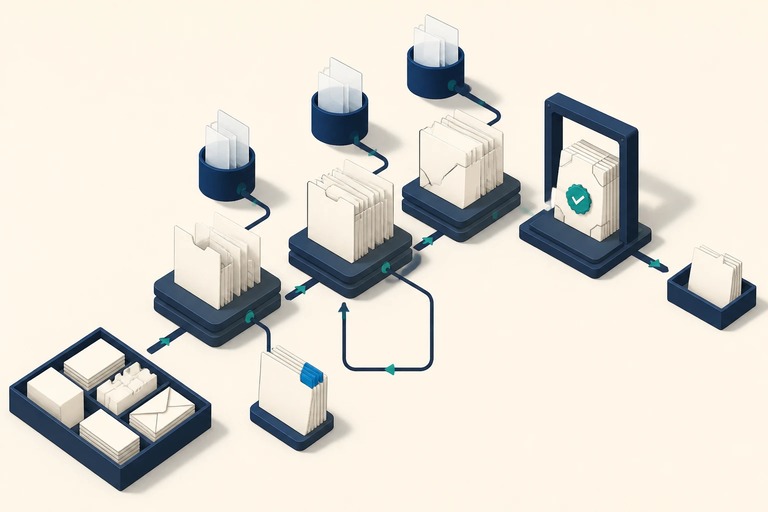
Set the reader's first meaningful outcome
Our illustrative brief stays the same. A fictional SaaS company wants to help a new user complete a first useful workflow. This is a planning example. The opening H2 asks, "What should a new user be able to do by the end of onboarding?" That question sets an outcome and skips the feature tour.
Confirm the workflow and product capabilities against current documentation. Add original expertise, such as a verified example or a customer-success observation. Link to the next setup instruction only if it helps the reader reach that outcome.
Build the educational sequence around reader progress
Order the remaining sections by reader progress. Cover prerequisites and the step-by-step workflow first. Recovery when something goes wrong, a success check, and the next task come after that. Give each H2 one job, and use H3s for distinct steps or decision points inside it.
Instructions, interface labels, and screenshots need current documentation and expert review. Flag any analytics or support-ticket claim until someone verifies it. Without these annotations, a blog post AI writer guesses. Useful guidance needs the audience, the prerequisites, the evidence, and the action the reader should complete.
Test the best AI for blog writing against the brief
The best AI for blog writing, for this brief, is the one that keeps the structure intact. Test whether a draft preserves the reader outcome, the evidence needs, and the task order. In our example, a draft still needs human review for product accuracy and for company-specific expertise.
SynthSeo learns your style from your website, then helps you generate, edit, and publish. Your team supplies verified product facts. When the draft passes review, invite readers to complete the first workflow. They can also move to the next onboarding task.
Evaluation goal: help readers compare a solution
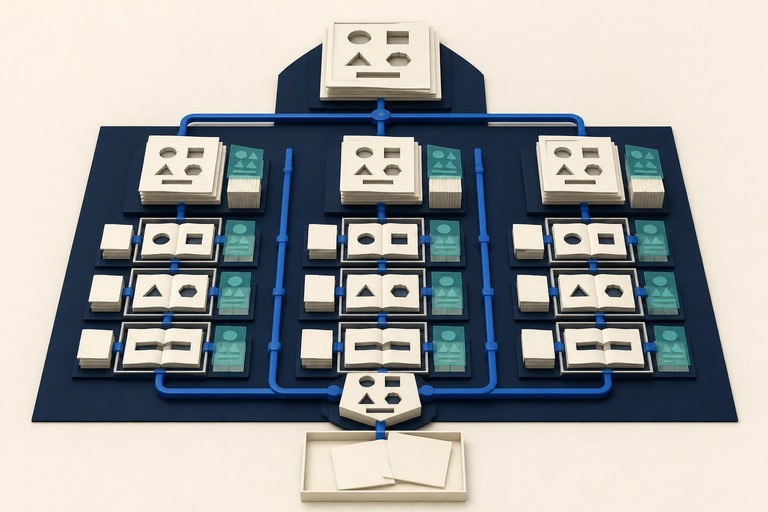
Start with requirements, not a product list
Evaluation readers ask a different question from onboarding readers. Onboarding readers ask, "How do I get started?" Evaluation readers ask, "Which option fits my team's use case and must-haves?" Build the outline around that decision. Define the problem, rank essential criteria, compare options, assess implementation, and decide what to test.
Each section needs evidence, such as current product documentation, stated pricing assumptions, and verified integration details. Readers may search "blog creator AI" and land on your page, so disclose your criteria and any exclusions.
Make a limited "ai blog writer free" evaluation example useful
Treat a free option as a test case for your criteria. Readers find this kind of option by searching "ai blog writer free." In this illustrative example, the reader must turn one topic into an editable draft. The outline names that task first.
Compare only verifiable factors: supported formats, editing control, brand-voice inputs, publishing workflow, and stated limits. Record the date you checked each detail, and flag anything needing fresh verification. Add your expertise: run one brief through every option and score the drafts against the same rubric.
Align the CTA with evaluation readiness
Close the evaluation outline with a next step that follows from the reader's criteria. A demo or consultation fits only when it answers the evaluation question. One example is whether a product handles the reader's must-haves. In that case, invite them to review a relevant workflow or discuss fit.
SynthSeo, for example, learns brand tone from a website, then supports generation, editing, and publishing in one workflow. Those are product capabilities. Keep them separate from customer-reported results, and never present a testimonial as a guaranteed outcome.
Customer-enablement goal: guide task completion

Structure for a customer trying to finish a task
An evaluation reader asks which option fits. A customer enablement reader asks, "How do I complete this task?" That reader also asks, "How can I confirm it worked?" Order the outline as task and scope, prerequisites, and ordered steps. Then add a completion check, troubleshooting, and the next useful task.
Before drafting, verify each step hands-on in the product, check current documentation, and review permissions. Flag interface details likely to change, such as menu labels. The reader's main action is to finish the task or find the right support. Keep the product pitch out.
Distinguish an ai blog creator from a task guide
An ai blog creator can help shape or draft instructions. Generated prose does not show that the steps work, though. Add original examples and source notes wherever a writer explains a decision point. Do the same for a common error or an approved support insight.
Keep troubleshooting tied to verified product behavior, and send readers to support when self-service guidance falls short. Match the CTA to the reader's state. That could be a return to the task, the relevant help path, or a verified next step.
Check the outline before drafting
Before drafting, confirm that a writer can name four things for every major heading. They are the reader question, purpose, evidence, and CTA relationship. Flag missing prerequisites, troubleshooting claims without support, and steps that cannot be confirmed in the current product. Each flag is a revision you catch while changes are still cheap.
When the structure passes, you can convert it into section-level writing instructions and an editable AI draft. The next article in this series picks up there.
Adapt evidence by industry and review completeness

Adapt the evidence to professional services and ecommerce
The same topic label can hide different reader needs. The outline of a blog has to change with the business. In an illustrative consulting firm, onboarding covers client milestones and kickoff expectations. It also covers who is responsible for what, plus an approved example. You verify scope and protect client confidentiality.
In an illustrative ecommerce store, onboarding means product fit, prerequisites, and assembly or use. It also covers compatibility, safety, care, and support. You check each item against current product information.
Reader intent and business context decide which questions and evidence belong. A software setup outline would fail both readers. All sample businesses are illustrative, and none is an observed case study.
Assess completeness and likely revision effort
Before drafting, review each outline against five questions. Is the reader outcome clear? Are the major questions covered? Does the heading order follow the reader's journey? Are evidence gaps visible? Does the CTA follow naturally? Record findings: missing sections, reordered headings, evidence added late, and substantial draft-stage changes. These measures show how complete an example is and how much revision it may need. They cannot prove that one structure guarantees conversion, rankings, or faster production. Run a small pilot on comparable briefs with the same criteria. Report the limits if the sample is small.
Make an outline of a blog ready to review

Your next outline of a blog will be stronger if you stop asking whether it has enough headings and start asking whether each heading can be reviewed. A heading with no named reader question, evidence source or CTA relationship is a gap, and a gap found now costs one edit instead of a rewrite.
Take one live brief and set it beside the closest example from this article: educational, evaluation or enablement. Mark every heading that lacks a verified source, an original example from your own team, or a next step that fits the reader's stage. Revise those headings first, and keep any claim about a customer, workflow or result labeled until someone confirms it.
Once the structure holds up, the natural follow-on is turning each approved heading into section-level writing instructions for an editable draft. That is where AI helps most with repetitive production, while you keep control of the evidence, the judgment and the final edits.
Schedule an implementation session with us, and we will review your revised structure with you before drafting begins.